
How to Get Amazing Music For Your PC Video Games, Effortlessly. Adaptive Music Matching

Updated: Aug 27
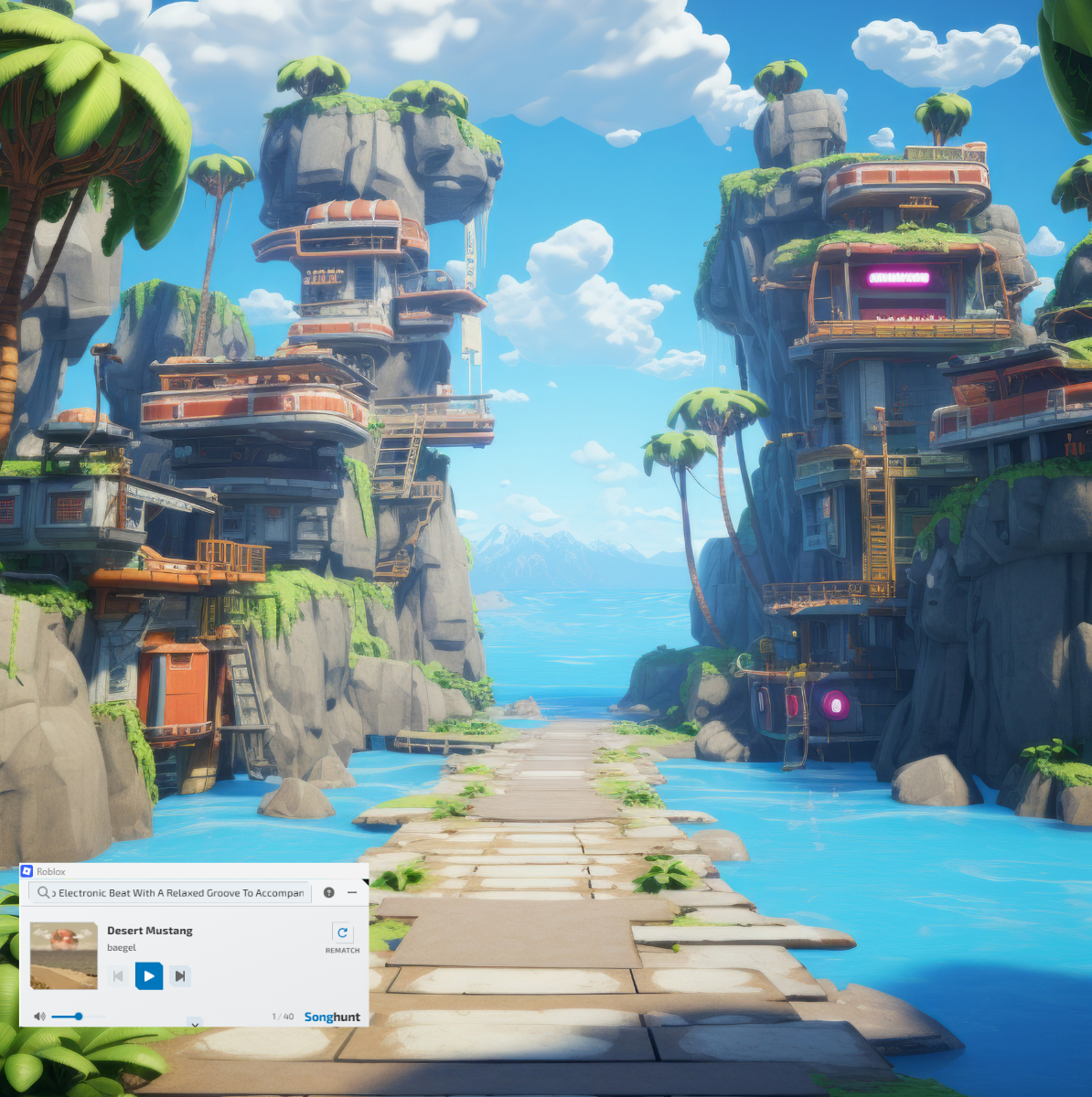
Music can completely change how a game feels.
The right track can make a boss fight feel bigger, turn an open-world journey into a cinematic adventure, or make a late-night gaming session feel more immersive. But there’s a problem with the way most of us listen to music while gaming: the game changes, but the playlist doesn’t.
You might start with a relaxed exploration playlist, only to find yourself in a high-intensity battle five minutes later. Or an energetic track might keep blasting while you’re quietly wandering through a peaceful environment.
What if your music could understand what was happening in your game and change with it? That’s the idea behind adaptive music for gaming, and that’s why we developed Songhunt for gamers.
What Is Adaptive Music for Gaming?
Adaptive music is a listening experience in which the music selection responds to what’s happening while you play.
Instead of using the default music or choosing one playlist and letting it run regardless of what happens on screen, Songhunt uses AI to understand the context of your gameplay and find music that fits the moment. The game changes and the music follows. The goal is to make the music feel less like something playing behind your game and more like part of the gaming experience itself.
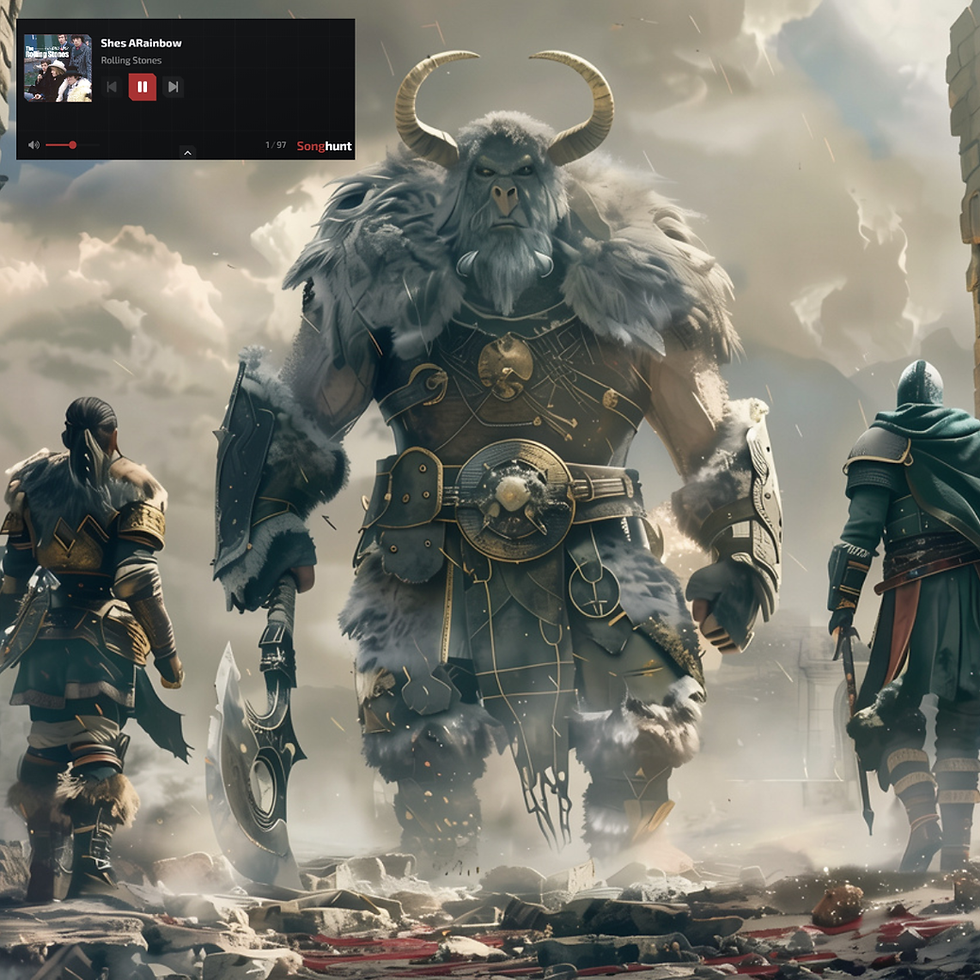
How Does Songhunt do That?
At the center of Songhunt is a multimodal AI.
Multimodal AI is artificial intelligence capable of working with and connecting different kinds of information. In Songhunt’s case, it helps bridge two very different things: visual gameplay and music.
You can think of the challenge as answering two questions:
What is happening in the game right now?
And:
What music would fit that moment?
Songhunt uses real-time visual game understand what’s happening on screen. The AI can use visual context to understand characteristics of the current gameplay experience, such as its mood, pace, scenery, and intensity.
From Visual Understanding to Music Understanding
MyPart’s AI technology analyzes music across multiple dimensions, including elements such as lyrics, composition, structure, writing style, sound, mood, and other musical characteristics.
That makes it possible to go deeper than simply saying, “This is a rock song” or “This is an uptempo song.” Instead, Songhunt looks deep into the qualities of the music and determines what may fit the context it sees in the game.
The two sides then come together: understanding the gameplay and understanding the music. That’s where adaptive music happens.
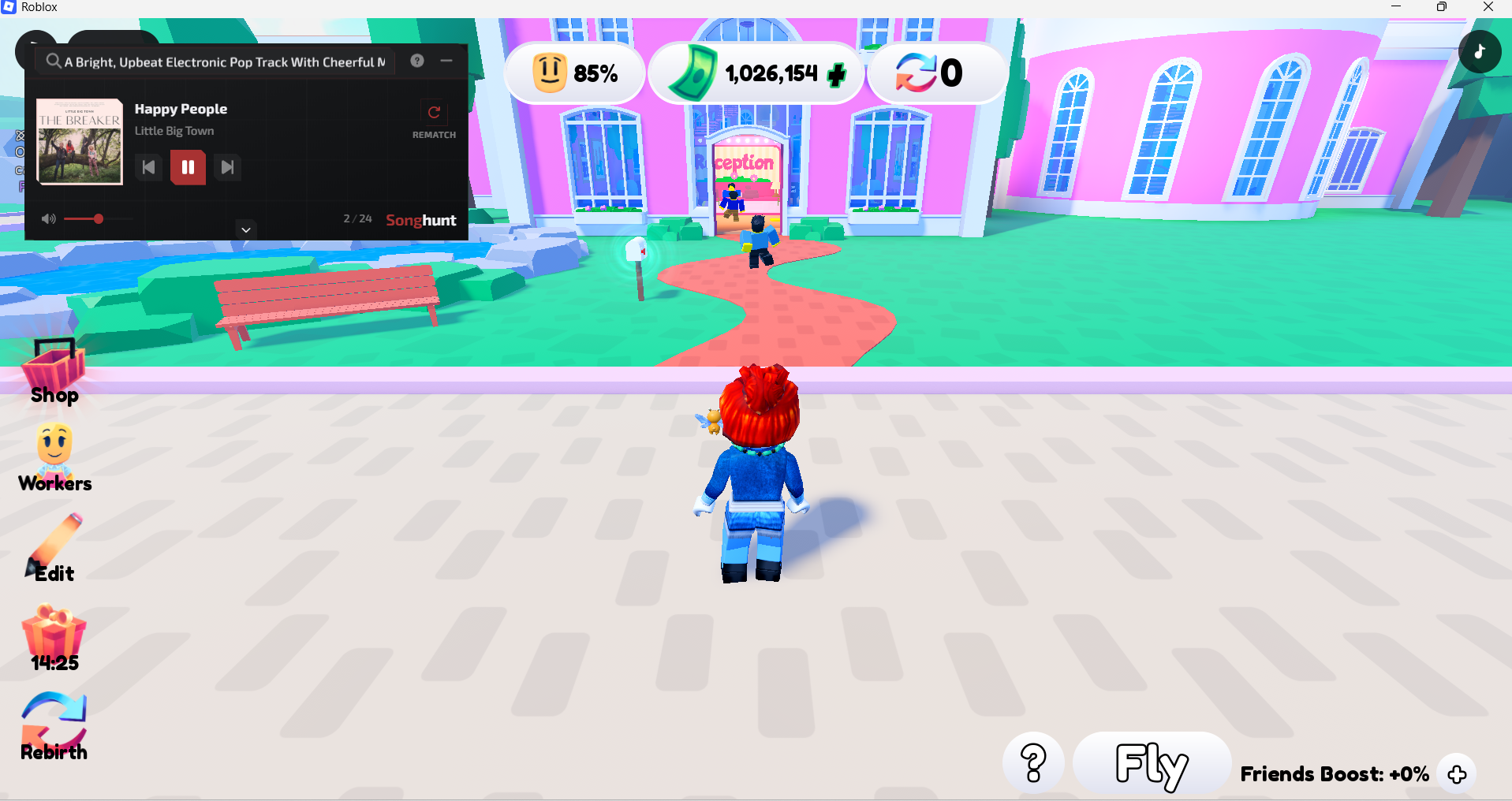
What Does Adaptive Music Feel Like While Gaming?
Imagine you’re playing an open-world adventure. You’re exploring a huge landscape. Songhunt sees the context and finds something atmospheric and spacious. A few minutes later, you encounter enemies. The pace changes. The visual intensity changes. The moment calls for something different.
Now imagine other types of gameplay:
⚔️ An epic battle could be matched with powerful, cinematic music.
🌌 Exploring a futuristic world could take on an atmospheric electronic or cyberpunk feel.
🌿 Quiet exploration or building could be accompanied by relaxed, ambient sounds.
🏎️ A high-speed chase or race could call for energetic, driving music.
🔥 Fast-paced competitive action could move toward something heavier and more intense.
The important part isn’t any one genre. It’s that the musical direction can follow the context of the game. Instead of deciding before you start playing what the next two hours should sound like, the soundtrack evolves along with your session, without you having to break focus to change it.
AI Matches the Music. It Doesn’t Replace the Artist.
There’s another important distinction.
Songhunt isn’t about having AI generate endless artificial music in real time. The AI is being used to understand, discover, and match real, human-made music to your gaming experience.
That means adaptive music can become a new way to discover songs. You’re not just hearing “battle music” or “exploration music.” Songhunt introduces you to real songs and artists based on how well their music fits both the game and your preferences.
In that sense, Songhunt acts a little like a personal DJ who can see your game. It understands what’s happening, considers what you like, and searches for music that fits.
What If You Want More Control Over the Music?
Sometimes you simply want a different track or a fresh take on the moment. You can easily take control with one of the following ways:
“Next”. You can always skip to the next song.
“AI ReMatch”. With a single click, ReMatch takes another look at what’s happening in your game and finds a new music match for the moment without interrupting your gameplay. Use ReMatch from the Songhunt player, directly from the in-game overlay, or instantly with the global Ctrl + Alt + R shortcut. No Alt-Tab, no browsing through playlists, no lost focus!
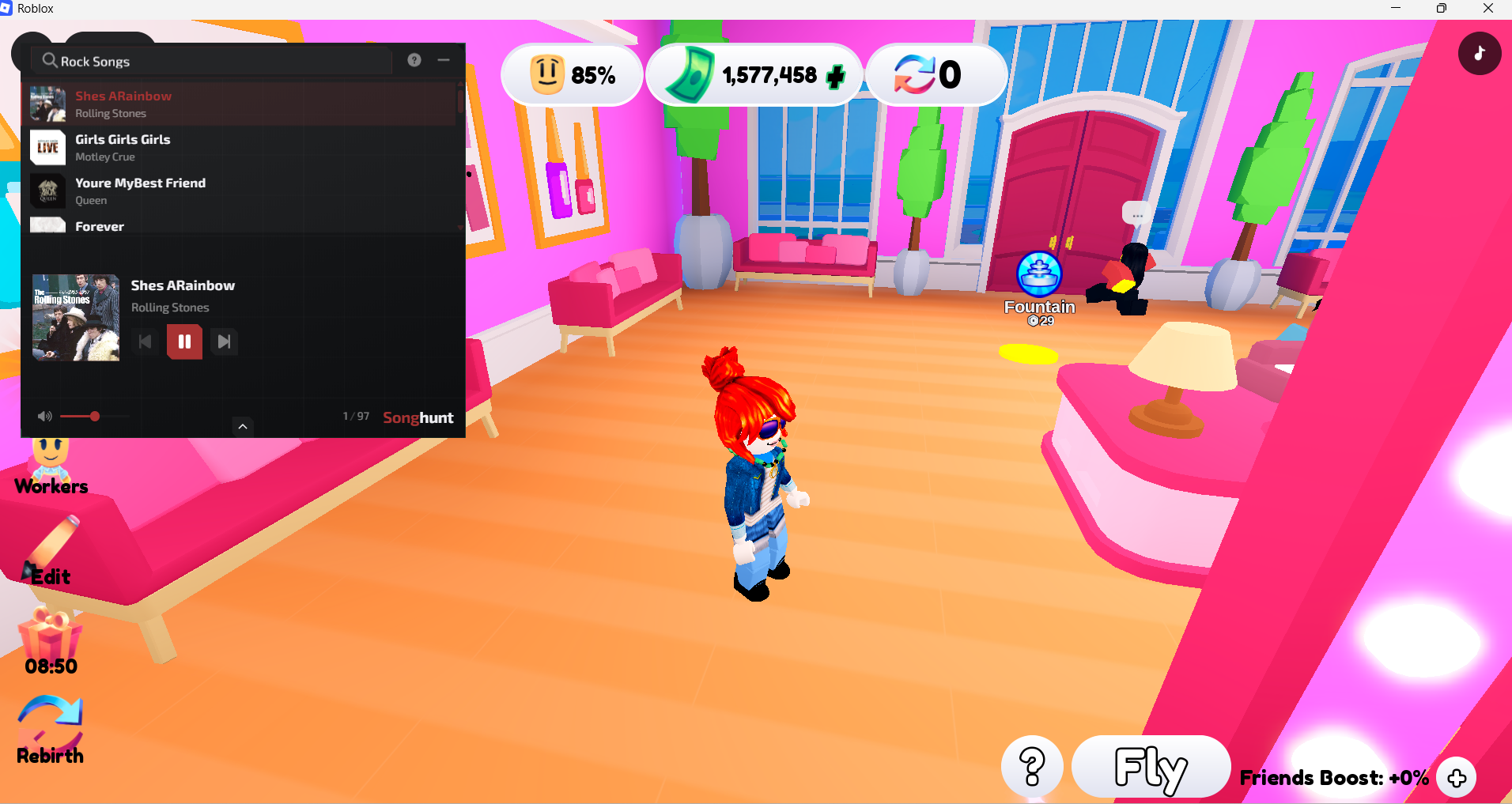
Manually select preferences in free-text prompt or using filters such as genre, mood, lyrical theme etc. on the main Songhunt screen.
Your Gameplay And Your Musical Preferences
Adaptive music shouldn’t mean giving up control over your musical taste.
Two people could be playing exactly the same game and want completely different soundtracks.
One might want cinematic orchestral music. Another might prefer electronic tunes with a driving beat. Someone else might want rock, hip-hop, or something relaxed and atmospheric. That’s why Songhunt also lets players specify their musical preferences!
You can use text prompts and smart music search to express preferences around mood, instruments, lyrical themes, writing styles, genres, and other musical characteristics. You can also search using songs or artists to discover tracks with similar qualities.
You might ask for:
Happy and cinematicDark cyberpunkDreamy and atmospheric with pianoHeavy rockRelaxed electronicHigh-energy action with acoustic guitarsSonghunt can then combine those preferences with the context it sees in your gameplay.The game provides the context. You provide the taste.
Make Every Gaming Session Cinematic with Adaptive Music
Games are dynamic. The music we listen to while playing them should keep up.
A traditional playlist is missing a critical layer of context, and leaves you with all the decision making in real-time, when you’re trying to focus on the game.
By using multimodal AI to understand gameplay and combining it with a deeper understanding of music and individual taste, Songhunt is exploring a different way to listen while gaming: a soundtrack that responds to the experience rather than simply playing alongside it.
Find full instructions for setting up and enjoying Songhunt on your favorite game here https://www.mypart.ai/songhuntforgamers
Download the Songhunt App in Overwolf’s App store https://www.overwolf.com/app/mypart-songhunt


Comments